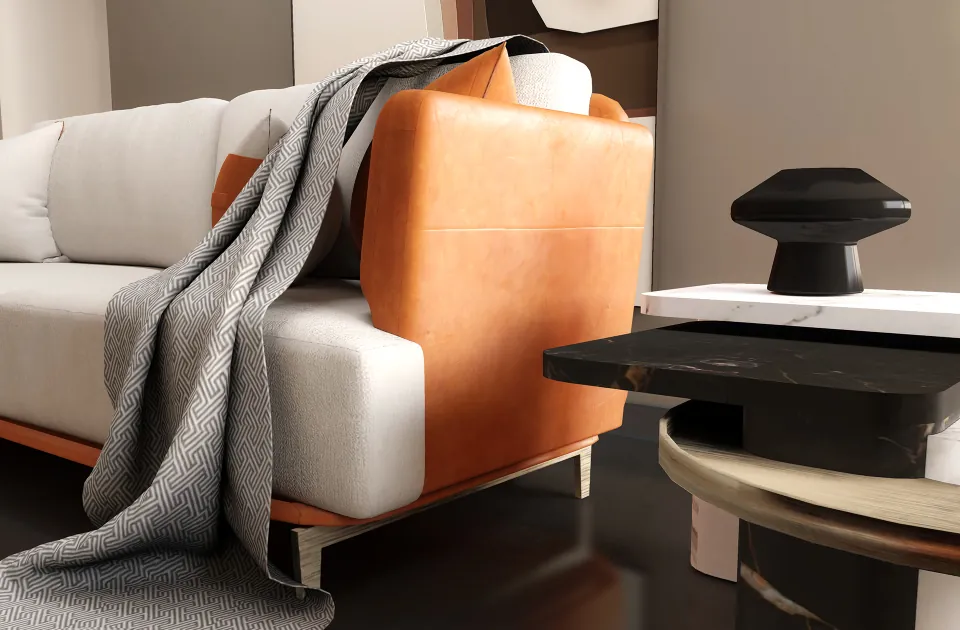
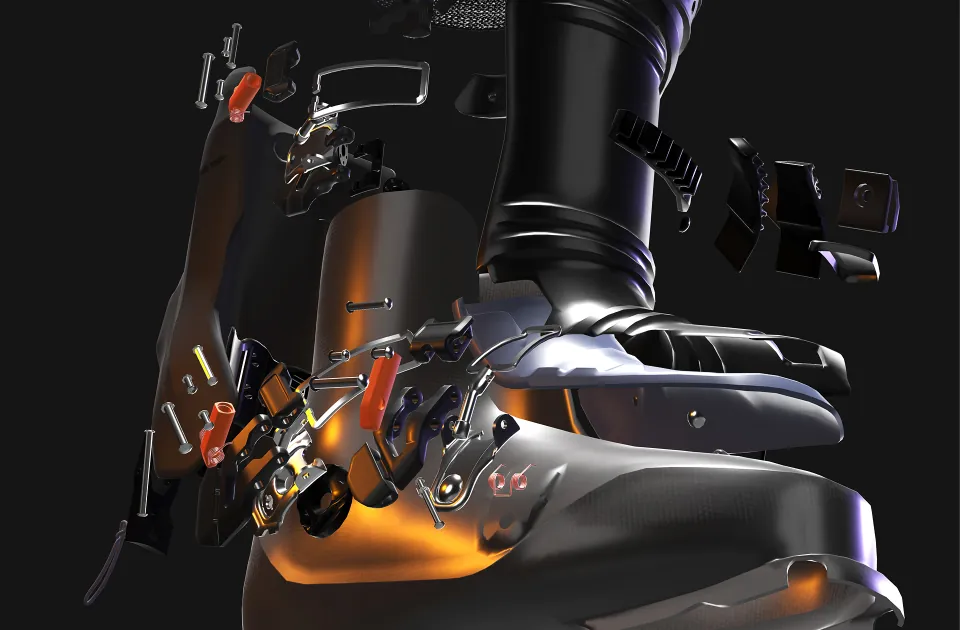
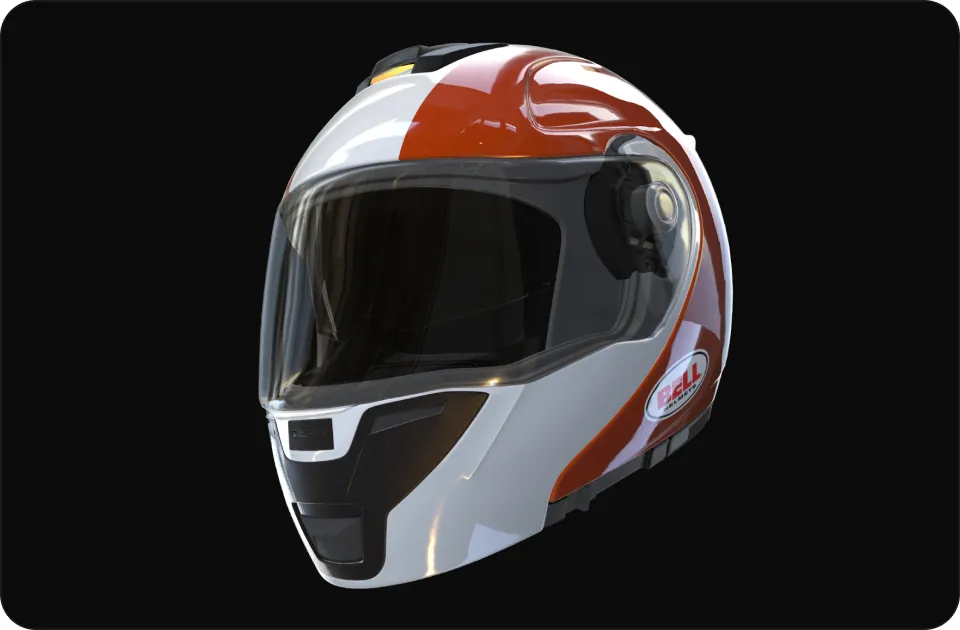
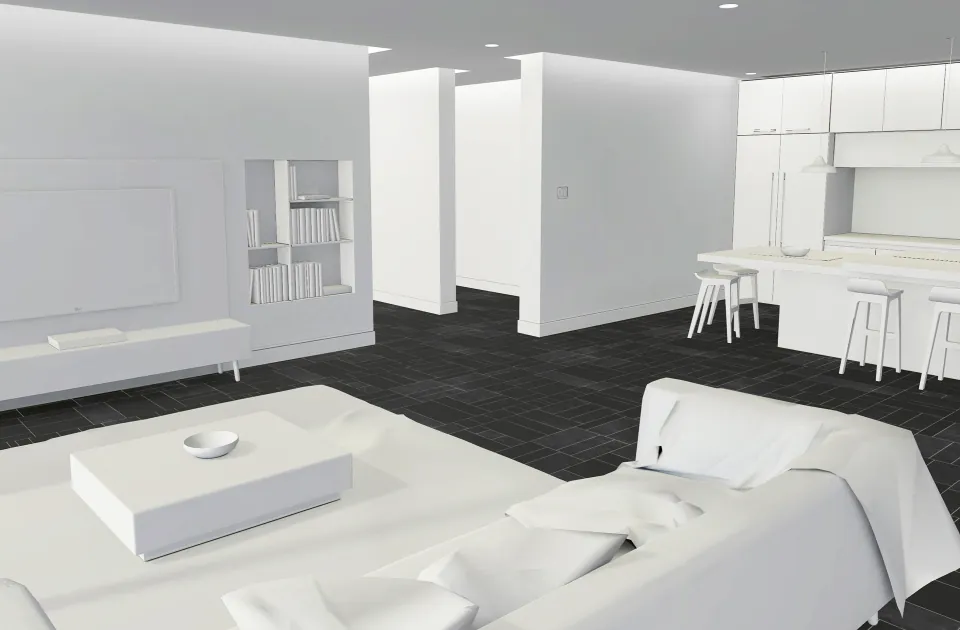
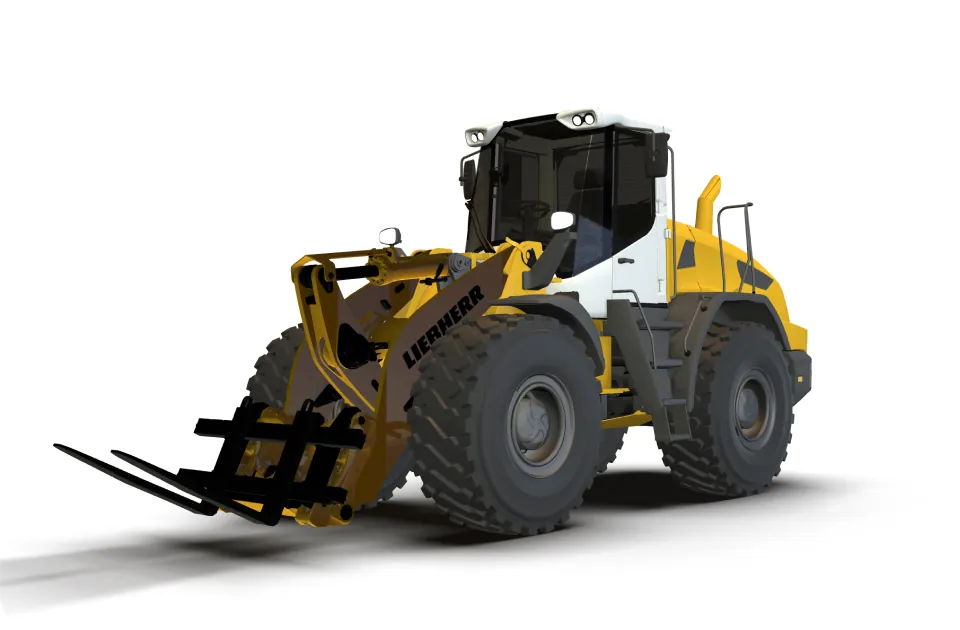
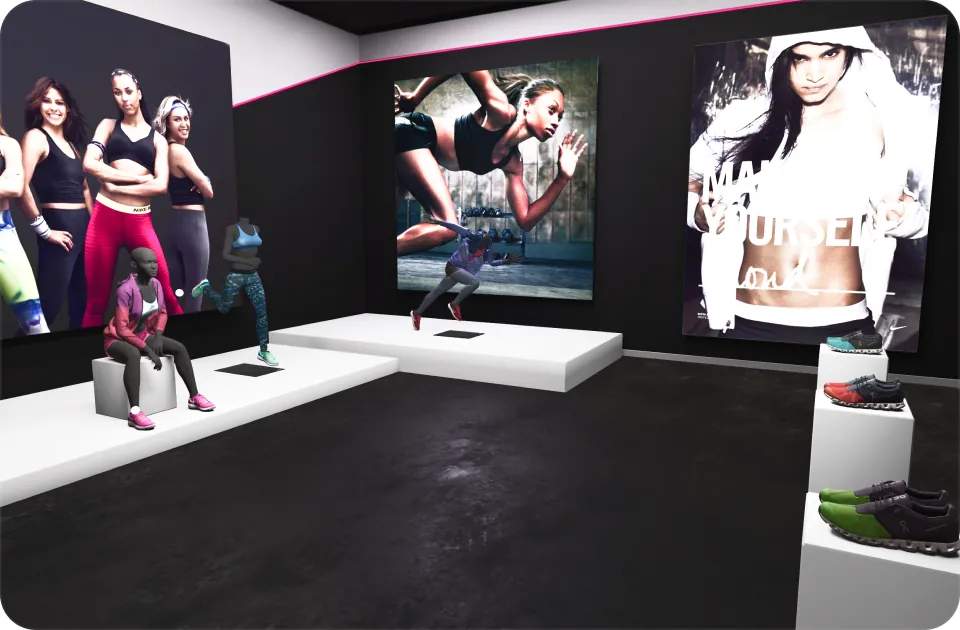
Real-time 3D like you never seen before

With Badvisor everyone can efficiently create, manage and share 3D high quality interactive experiences across all digital channels

Get started for free
Create

Use your scene master templates to create your Web 3D experiences across all your products.
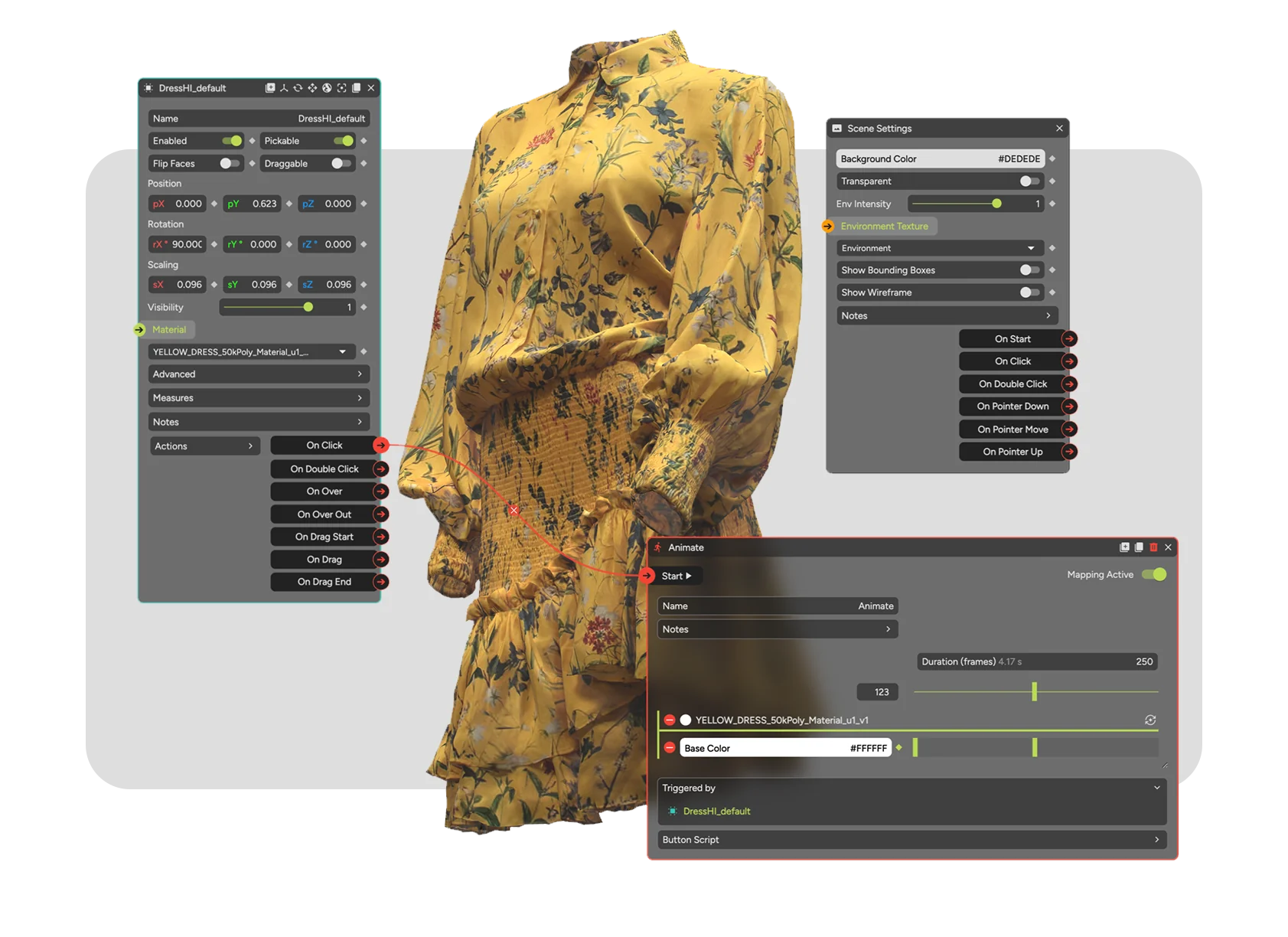
No Code Interactivity
Take it easy and used pre-configured functions and asset libraries to create immersive, interactive 3D experiences and 3D trainings for websites and any digital channel in a fraction of time compared to game engines.
Full creative Control
Focus on your creativity and 3D-content: With the BADVISOR intuitive FlexNode Editor achieve professional grade experiences in stunning quality, animations and interactivity with just a few clicks.
Powerful Animations
Animate your products with intricate animations, trigger logic-based actions, manage interface components and content flexibly. Combine animations for step-by-step experiences or activate AR with preset functions.
Manage

Use your scene master templates to create your Web 3D experiences across all your products.
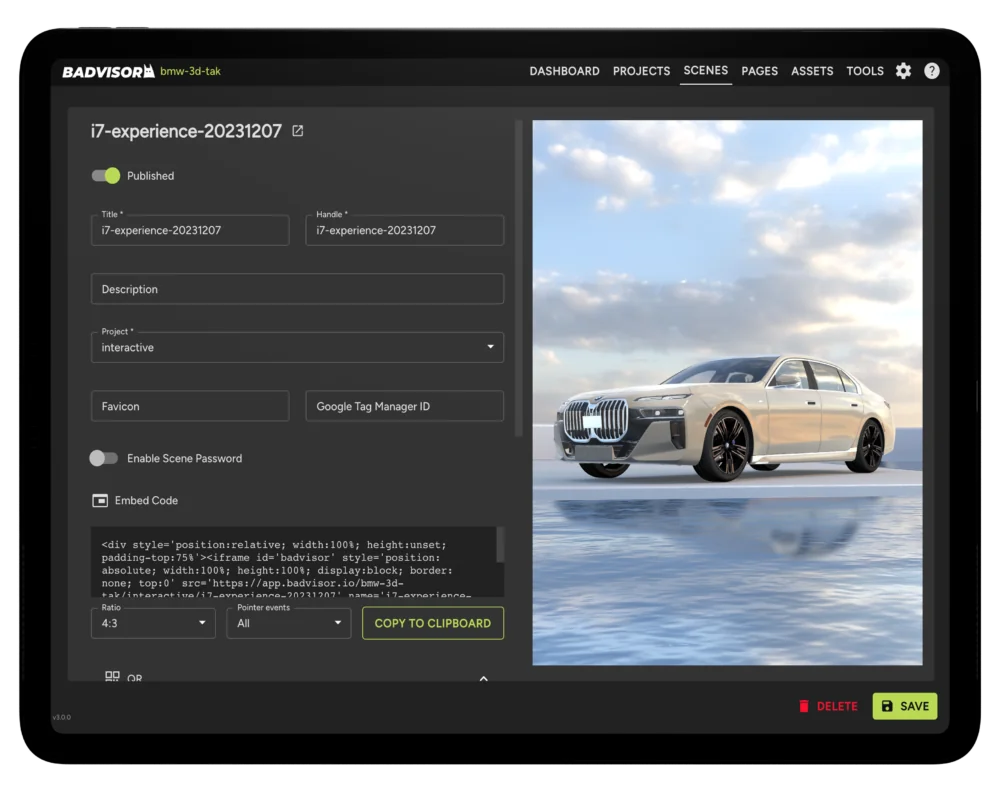
Self-Control Ready
Create or manage your Web 3D experiences with no programming expertise required. Add or exchange products in your showroom or virtual training by yourself in minutes with just a few clicks.
Modular Scalability
Scale up your single experiences to a virtual showroom – step by step guide or across different use cases and departments.
Workflow Automation
Use built-in bulk creation features to scale Web 3D experiences across all your products – it takes just a few clicks.
Share

Use your scene master templates to create your Web 3D experiences across all your products.
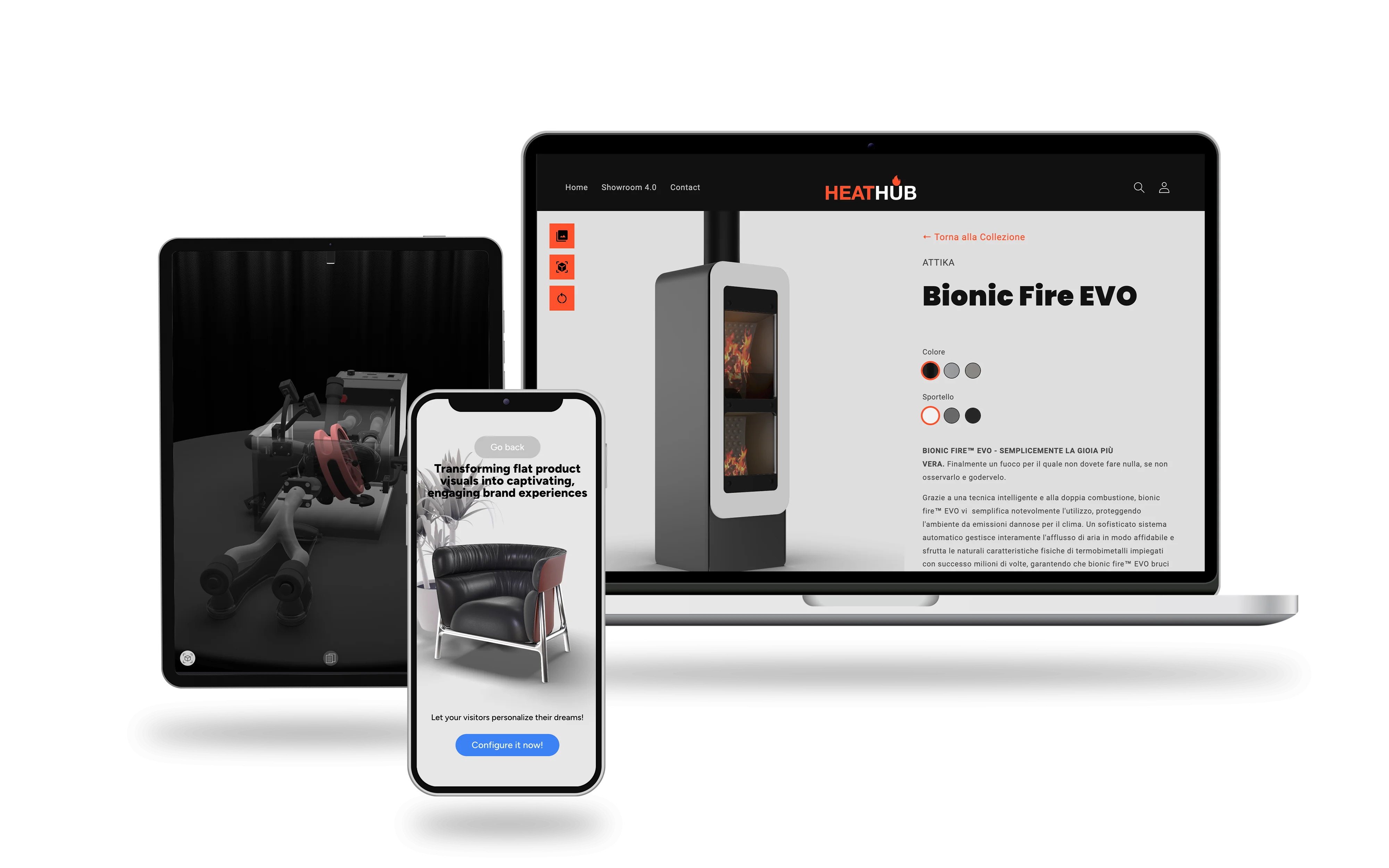
Omni-channel Sharing
Make your 3D content ready for any digital channels, devices and web applications like web shops.
AR and VR ready
Use VR and AR to captivate your audience on digital channels quickly and without design experience. Provide customers with a 1:1 size product experience in their surroundings for better purchasing decisions.
Analytics and Insights
Analyze and track the performance of your Web 3D experiences and get the support of insights to improve your content continuously.
What people say
“Our aim was to set new standards in digital product presentation for our dealers. BADVISOR enabled us to craft interactive, captivating 3D product experiences, increasing engagement and excitement around our model highlights significantly.”

Brigitt Schroeder

Head of BMW Retail Training EMEA

“BADVISOR is our partner enabling us to present our products like never before. The almost playfully simple borderless 3D integration on the web takes our product and brand presence to a completely new level”

Alex Abril Egea

CEO & Co-Founder of FLiPO

“The partnership with Badvisor allowed us to reach a new level of interactive 3D while maintaining the highest level of visualization and performance quality, efficiency, speed of work, and the ability to scale product placement.”

Bogdan Paidak

Creative Director at Phenomenon Studio

The shortest path

to customize your
product
Based on product visualization.
83%
Customers prefer an interactive 3D
€3.0M
Higher conversion rates
200%
Spike in customer engagement
912
Our partners
FAQ’s
01.
How to create a 3D model?

A 3D model is usually created using a specialized software such as Blender, Maya, or SketchUp. The process typically involves creating a basic shape or mesh, adding details and textures, and manipulating the object in 3D space to achieve the desired look. You can also use 3D scanning technology to create a digital model of a real-world object. Once the model is complete, it can be exported in a variety of file formats such as OBJ, FBX, or glTF for use in applications like BADVISOR. The BADVISOR team and their network of partners are supporting you in this process and will support you in setting up streamlined 3D workflows.

02.
What are the requirements for 3D Assets in web applications?

The Khronos Group has developed guidelines for optimizing 3D assets to ensure they are efficient and perform well in real-time applications such as Badvisor.io. Here are some of the key guidelines:

  1. Use efficient geometry: Minimize the number of polygons in your models to reduce their file size and improve rendering performance.
  2. Use texture compression: Compress textures to reduce their file size and improve loading times.
  3. Use level of detail (LOD): Create multiple versions of your model with varying levels of detail to optimize performance on different devices.
  4. Use culling: Eliminate objects that are not visible to the user to improve rendering performance.
  5. Use efficient animations: Use keyframe animation sparingly and optimize animations to reduce their impact on performance.

By following these guidelines, you can ensure that your 3D assets are optimized for real-time applications and provide the best possible user experience in BADVISOR.

03.
What are the business benefits of 3D technologies?
  1. Enhanced Customer Engagement:
    Web 3D, AR, and XR technologies provide an immersive and interactive experience that can captivate customers and increase engagement. By using these technologies, companies can create compelling marketing campaigns, product demonstrations, and training programs that resonate with customers.
  2. Improved Brand Awareness:
    Web 3D, AR, and XR technologies offer new and innovative ways to showcase products and services, which can improve brand awareness and recognition. By creating engaging and memorable experiences for customers, companies can differentiate themselves from competitors and stand out in crowded markets.
  3. Increased Sales and Revenue:
    Web 3D, AR, and XR technologies can help companies increase sales and revenue by providing customers with a more immersive and informative experience. By allowing customers to visualize products in 3D, for example, companies can help customers make more informed purchase decisions and increase the likelihood of conversion.
  4. Improved Operational Efficiency:
    Web 3D, AR, and XR technologies can improve operational efficiency by streamlining processes and workflows. For example, AR can be used to provide technicians with real-time instructions while they are performing repairs, reducing the need for lengthy manuals or phone support.
  5. Better Data Analysis:
    Web 3D, AR, and XR technologies can also be used to collect and analyze data on customer behavior, preferences, and interactions. This information can be used to improve customer segmentation, personalize marketing messages, and optimize customer engagement strategies.
04.
What Support would I get from BADVISOR in a 3D Project?

As we at BADVISOR understand the importance of interactive 3D product and brand experiences we also realize that teams in different organizations are structured in different ways. That’s why we offer tailored services and support, designed to meet your specific needs and goals. Our team of experts will guide you through every step of the 3D workflow, from concept and design to asset creation and optimization. Our all-in-one 3D web platform is designed to provide flexible support and expertise, whether you’re starting from scratch or looking to enhance existing assets.

Our platform is built on a modular structure, making it easy to start with a pilot project and scale up as needed. First results can be shown within days. Use cases can be consolidated within a department, and the platform allows for easy self-management of 3D experiences, AR and VR, across multiple departments.